
AlwaysTivi and Your IPTV Player: How to Pick the App
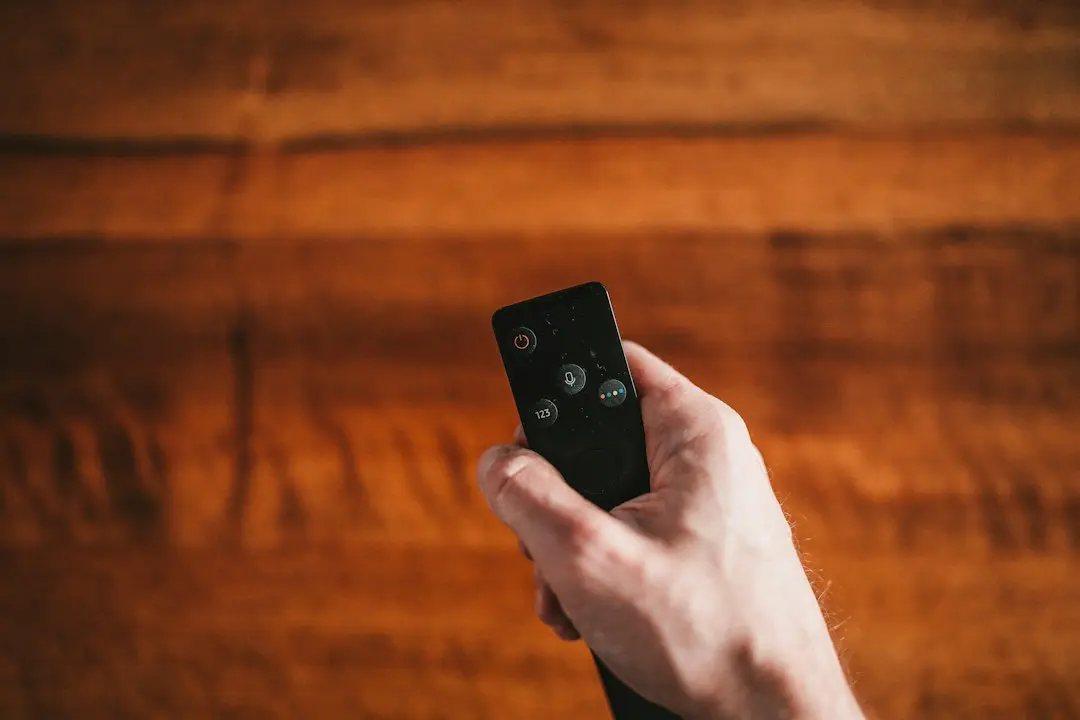
To watch AlwaysTivi you need two things: your AlwaysTivi login, and an IPTV player on your device. People often mix the two up, so this guide starts with the difference, then explains where an IPTV app comes from on each kind of device, what makes a good player, and how the team helps you choose one.
IPTV player vs IPTV service: the difference
An IPTV player (also called an IPTV app) is software, like a video player for live TV. On its own it is empty: it has no channels, no films and no series.
An IPTV service such as AlwaysTivi is what fills it. When you order, your login and password arrive by email. You enter them in the player, and the app loads your channel list, the on-demand library and the TV guide from the service.
So the player decides how things look and feel (the menus, the remote control, the guide layout), while the service decides what you can watch: with AlwaysTivi, 35,000+ live channels and sports, 80,000+ movies and series, a TV guide (EPG) and pay-per-view (PPV) events, in HD or 4K Ultra HD.
Two consequences follow:
- Changing the app doesn't change the content. Your channels come from your login, not from the player.
- A player is not a subscription. If an app offers its own channels for a fee, that is a separate product from a separate company.
Where to get an IPTV app on each device
Always install players from your device's official app store or from the developer's own official source. Avoid copies from unknown websites: they can carry malware and you have no way to know who changed them.
| Device | Where IPTV apps come from |
|---|---|
| Amazon Fire TV and Fire TV Stick | The Amazon Appstore on the device |
| Android TVs, boxes, phones and tablets | The Google Play Store |
| Smart TVs (LG, Samsung, Sony and others) | The TV's own app store: LG Content Store, Samsung Smart Hub, or Google Play on Sony's Google TV models |
| iPhone, iPad, Mac and other Apple devices | The App Store |
| MAG boxes | No app store: the portal is set in the box's own settings |
| Nvidia Shield and Google Chromecast | The Google Play Store (Chromecast with Google TV) |
| Windows and Mac computers | An Android emulator, then the Play Store inside it |
The IPTV setup guide walks through each device step by step.
IPTV for Firestick: what's different
The Fire TV Stick is one of the most popular devices for IPTV, for good reasons: it's affordable, it plugs straight into the TV's HDMI port and it comes with a remote. A few things are worth knowing:
- Use the Amazon Appstore first. Search for an IPTV player there before looking anywhere else.
- Check the model. The Fire TV Stick 4K models output 4K; the standard and "Lite" sticks are limited to Full HD. See our guide to 4K IPTV for the full picture.
- Watch the storage. Sticks have little free space. Uninstall apps you don't use and clear the player's cache if it slows down.
- Prefer a wired connection when you can. An Ethernet adapter for the stick often removes buffering on busy Wi-Fi.
What to look for in an IPTV player
Players differ much more in comfort than in what they can play. These are the features that make daily viewing easier:
- Simple login. The app should let you enter the login and password you received by email without hunting through menus.
- TV guide (EPG) support. A good player shows what's on now and next for every channel, so the guide your plan includes is actually usable. Read more in our guide to the AlwaysTivi TV guide and live sports.
- Favourites and categories. With tens of thousands of channels, being able to group your favourites matters.
- Remote-friendly design. On a TV, everything should work with the arrow keys; on a phone, with touch.
- On-demand section. Movies and series should have their own clear area, separate from live TV.
- Regular updates. An app that is still maintained gets fixes for new device software.
- Fair pricing. Many players are free, some have a one-off or yearly fee charged by the app's developer. That fee goes to the developer, not to your IPTV service.
How the AlwaysTivi team helps you choose
The right player depends on the device you use and how you like to watch, so we don't push one app on everyone. When you order or ask for the free trial on WhatsApp, tell the team which device you have: they tell you which app to install and walk you through signing in with your login. It usually takes less than 5 minutes.
If you later change devices, say from a phone to a new Smart TV, message the team again and they'll point you to a player for the new screen. You keep the same AlwaysTivi login.
Common IPTV app problems and fixes
| Problem | What usually fixes it |
|---|---|
| "Invalid login" | Re-type the login and password from your email, with no spaces before or after |
| Channel list doesn't load | Restart the app and the device; check that the device is online |
| Guide (EPG) is empty | Refresh the guide in the app settings, then give it a minute to download |
| Picture stutters | Switch the channel from 4K to HD, or move to a wired connection |
| App crashes or freezes | Update the app, clear its cache, or reinstall it from the official store |
If a problem remains, message the team on WhatsApp with your device, the app and what you see on screen. Support is available 24/7.
How many devices can use one login?
That depends on your plan. AlwaysTivi plans cover 1, 2 or 4 devices, for 1, 3, 6 or 12 months. For example, 12 months on 1 device costs $59.99, on 2 devices $105.50, and on 4 devices $199.99. Install a player on each device your plan covers; compare every option on the plans page.
AlwaysTivi IPTV player: FAQ
What is an IPTV app?
An IPTV app (or IPTV player) is the software on your TV, stick, phone or computer that signs in with your provider's login and plays the channels, movies and series. It holds no content of its own: everything you watch comes from your IPTV service.
Do I need a special app for AlwaysTivi?
You need an IPTV player on your device. AlwaysTivi supplies the content through your login; the team tells you which app to install on your particular device.
Is an IPTV app free?
Many players are free; some charge a one-off or yearly fee set by the app's developer. That fee is separate from your AlwaysTivi plan.
What is the best IPTV app for Firestick?
The best one is the player that runs smoothly on your model and that you find easy to use with the remote. Get it from the Amazon Appstore, and ask the team on WhatsApp which app they suggest for your Fire TV Stick.
Can I use the same login in different apps?
Yes, your login works in any compatible player, within the number of devices your plan covers.
Why is my channel list empty after installing the app?
The app is just a player: the list appears only after you sign in with the login and password from your email. If it still doesn't load, restart the app and check your connection.
Getting started with an IPTV player and AlwaysTivi
An IPTV player is the screen you watch through; AlwaysTivi is what you watch. Install the app from your device's official store, sign in with your login, and the channels, the on-demand library and the guide load in. Not sure yet? Ask for the free trial and try it on your own device first. Every plan also comes with a 3-day full refund guarantee (refund policy). Questions about a specific device? Contact the team or see the FAQ.
Want to try AlwaysTivi?
Ask for a free trial on WhatsApp, or pick a plan: 1, 3, 6 or 12 months for 1, 2 or 4 devices, from $15.
Related articles
AlwaysTivi 4K IPTV: What You Need for Ultra HD
AlwaysTivi 4K IPTV explained: the screen, device and connection Ultra HD needs, when HD makes more sense, and how to stop IPTV buffering.
Read the article
AlwaysTivi IPTV EPG: TV Guide, Live Sports and PPV
How the AlwaysTivi IPTV EPG works, how to follow live sports on IPTV, and what pay-per-view (PPV) events mean on your plan.
Read the article
AlwaysTivi IPTV USA: Plans, Prices and Devices
IPTV in the USA with AlwaysTivi: local US channels plus the UK, Canada and worldwide, all 12 plans in US dollars, and the devices it runs on.
Read the article